Gamepad
Gamepad, joystick and game controllers can be used in your game. Xbox, Playstation and generic controllers are supported.
This feature can be activated by adding the Gamepad extension to your project. You will then be able to use conditions and expressions to check if a gamepad is connected, if a button is pressed, released or if a stick is pushed.
Tip
Learn how to install new extensions by following a step-by-step guide.
Move a character
Move a top-down character
The "Top-down gamepad mapper" behavior can be added to the character to make the character move according to player inputs automatically. The default configuration will work without any change for single player games.

Tip
Learn more about the Top-Down Movement behavior.
Move a platformer character
The "Platformer gamepad mapper" behavior can be added to the character to make the character move according to player inputs automatically.

Tip
Learn more about the Platform Character behavior.
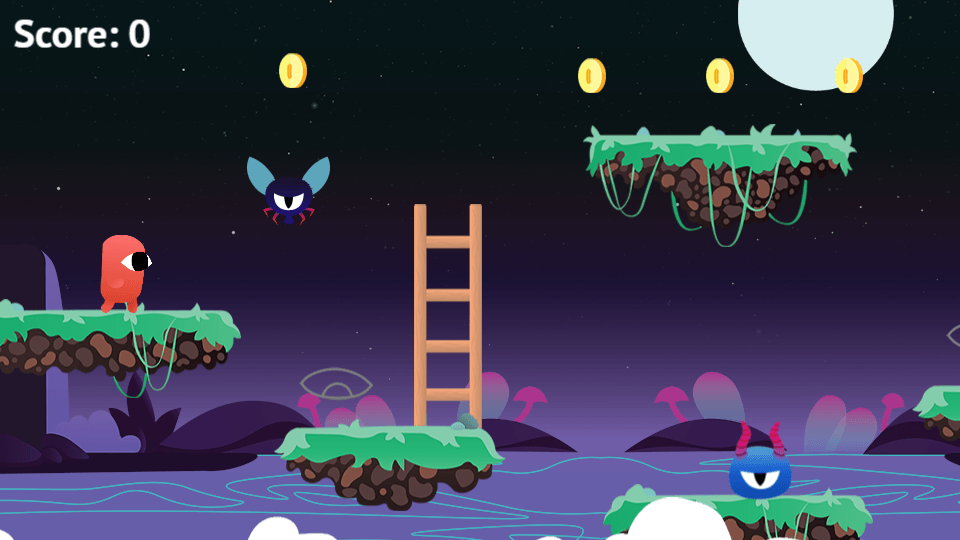
Move a 3D platformer character
The "3D platformer gamepad mapper" behavior can be added to a 3d physics character to make the character move according to player inputs automatically.
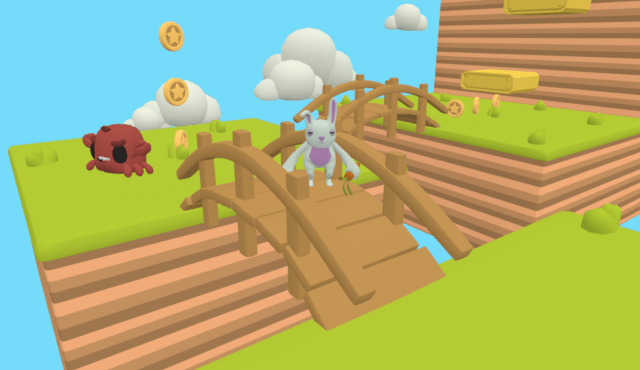
Move a 3D shooter character
The "3D shooter gamepad mapper" behavior can be added to a 3d physics character to make the character move according to player inputs automatically.
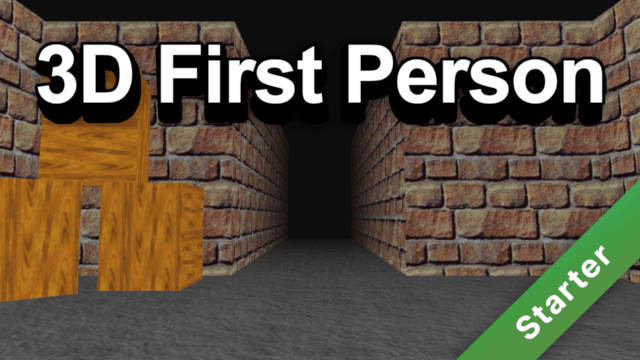
Move a character with custom movement
Handle pressed buttons
Detecting pressed buttons can be done with the Gamepad button pressed (or released) condition. Playstation and Xbox controllers have different button names, but checking for A or Cross is the same.

Handle sticks
Several expressions are available for analog sticks:
Gamepads::StickAngle(gamepad, stick)– the angle (in degrees) the stick is pushed toward, useful for rotating an object or setting a movement direction.Gamepads::StickForce(gamepad, stick)– the magnitude of the stick push, from 0 (centre) to 1 (full deflection). Useful as a speed multiplier.Gamepads::StickForceX(gamepad, stick)– the horizontal component, from -1 (left) to 1 (right).Gamepads::StickForceY(gamepad, stick)– the vertical component, from -1 (up) to 1 (down).
The stick parameter is "left" or "right".

Handle triggers (LT / RT)
Triggers are analog and return a pressure value between 0 (not pressed) and 1 (fully pressed):
Gamepads::TriggerPressure(gamepad, trigger) – where trigger is "LT" / "L2" for the left trigger and "RT" / "R2" for the right trigger.
This is useful for games where you want variable speed (e.g. acceleration in a racing game).
Configuring the deadzone
Analog sticks rarely return exactly 0 when at rest. A deadzone ignores small unintentional inputs near the centre. The default deadzone is 0.2 (20 % of the full range).
Use the action Set gamepad deadzone for sticks to change it. You can also read the current value with Gamepads::Deadzone(gamepad).
A lower deadzone gives more precise control but may cause drift; a higher deadzone filters out more noise but reduces the usable range of the stick.
Detecting the last pressed button
Gamepads::LastButtonString(gamepad, layout) returns the name of the last button pressed (e.g. "A" or "CROSS"), useful to display button hints that match the connected controller. Gamepads::LastButtonID(gamepad) returns its numeric index instead.
Handle several players on the same device
Detect connected gamepads
Each gamepad connected to the computer or phone is numbered from 1 to 4:
- If your game is single player, you'll usually always use condition for the Gamepad 1.
- If your game is multi player, it's a good idea to use the Gamepad connected condition to check which gamepads are connected. You could store in a variable the gamepad number associated to a player. You can also force the first player to use the Gamepad 1, and the other player to use Gamepad 2.

Vibrate a gamepad
Use the action Gamepad vibration to make a gamepad vibrate.
Advanced Gamepad vibration allows to setup vibration magnitudes for low and high frequency rumble motors. Each player can have different rumble values.